



In short
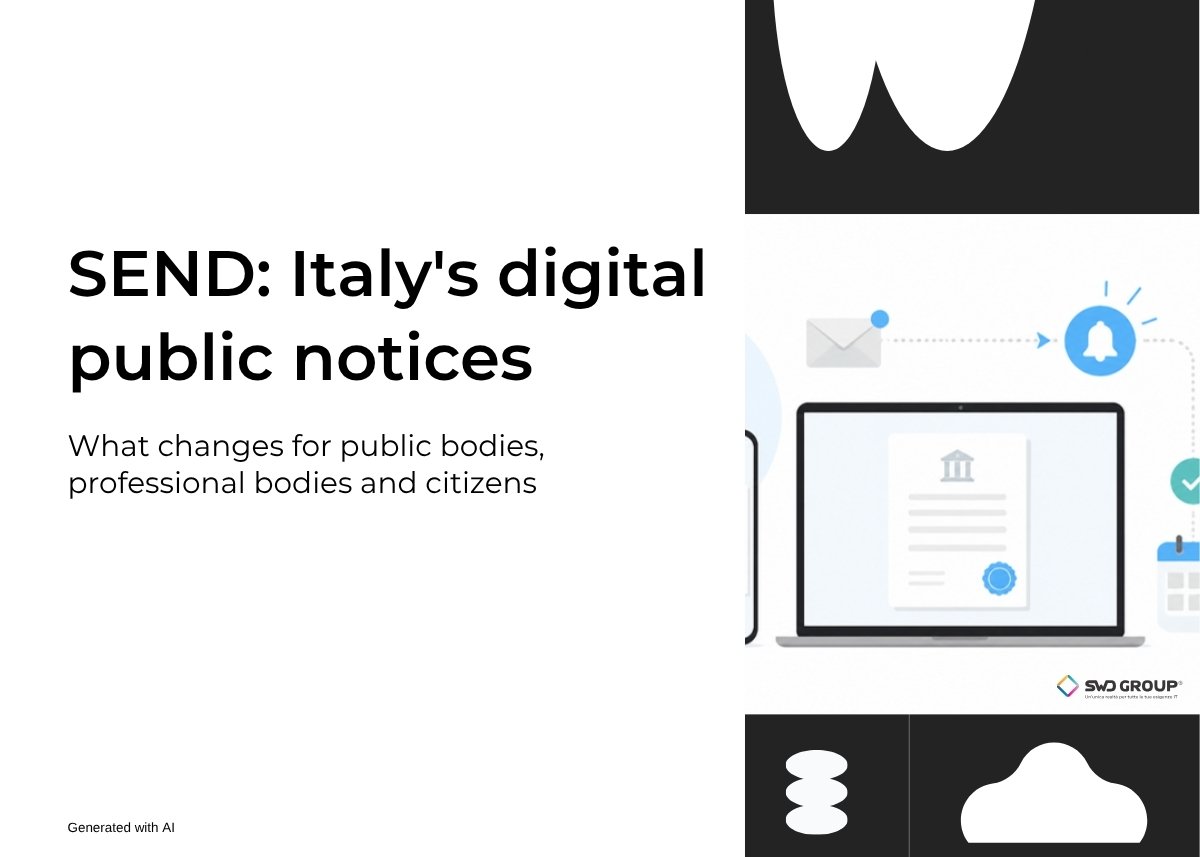
- SEND (Servizio Notifiche Digitali, Italy’s digital notification service) is the public platform, run by PagoPA, that Italian public bodies use to send legally binding notices digitally.
- The notice reaches the digital domicile of those who have one; everyone else receives a registered letter on paper.
- Recipients can read the documents online and get alerts through the IO app, email or text message.
- Professional bodies (Ordini) can join too: all it takes is a digitally signed agreement, with no tender.
⏱ Reading time: 5 minutes
We all know that slip of paper in the letterbox: a notice that a registered letter is waiting at the post office. Then the trip to collect it and, in the meantime, the worry about what it might say. Uncertainty often weighs more than the news itself.
That is one of the reasons SEND was created: to make official communications from the public administration quicker to receive and easier to read, wherever you are.
What SEND is
SEND, the Italian digital notification service, is the platform established by Article 26 of Decree-Law 76/2020 and run by PagoPA S.p.A. It lets public bodies send legally binding notices digitally, such as official documents, fines or payment notices, instead of the traditional registered letter.
For the sending body, the advantage is a single channel: it uploads the notice once and the platform delivers it and tracks every step.
How a notice is delivered
- If the recipient has a digital domicile, that is a PEC (certified email) address listed in public registers such as INI-PEC or INAD, the notice is delivered there.
- At the same time, SEND can send courtesy alerts through the IO app, email or text message, if these contact details have been provided.
- If the recipient has no digital address, the notice arrives by post, as a registered letter, and can still be viewed online.
This is why digital domiciles need to be correct and up to date: we covered this in our guide on how to find and verify a PEC address on INI-PEC.
What changes for recipients
Citizens, businesses and professionals can view their notices online by logging in with SPID or CIE (Italy’s digital identity systems), download the documents and, when there is an amount due, pay with pagoPA directly from the notice.
In practice: no more trips to the post office to collect a document you can read on your phone.
Who can send notices and how to join
Public administrations can join, and among them professional bodies too. Joining is done through the PagoPA Reserved Area:
- The body completes its registration in the Reserved Area, from the Self Care portal.
- It enters its details and its contact people: administrator, administrative contact and technical contact.
- The legal representative digitally signs the membership agreement.
No tender is needed: the platform is entrusted to PagoPA by law, so signing the agreement is enough. The adoption of SEND is also funded by Italy’s Recovery and Resilience Plan (PNRR), under Measure 1.4.5.
Two ways to send: manually or automatically
- From the web portal: an operator enters the notice manually. It is the simplest way to get started.
- Through an automatic integration: the software the body uses every day sends notices to SEND on its own. This pays off as volumes grow.
What to prepare before you start
- Which communications you want to send through SEND, and how often.
- Who does what within the body: who signs, who manages the registration, who handles the technical side.
- Clean records: correct tax codes and up-to-date contact details reduce errors and paper deliveries.
- If there are amounts to collect, the connection with pagoPA.
Frequently asked questions
Does SEND replace PEC?
No. SEND is the platform that handles sending the notice; if the recipient has a digital domicile, the notice is delivered right there, so by PEC as well.
How do I know if I have received a notice on SEND?
SEND sends courtesy alerts through the IO app, email or text message, if these contact details have been provided. Notices can then be viewed online by logging in with SPID or CIE.
Can a professional body use SEND?
Yes. As a public body it can join through the PagoPA Reserved Area: the membership agreement is digitally signed by the legal representative and no tender is needed.
Does using SEND mean changing the software the body already uses?
Not necessarily. You can start from the web portal, entering notices manually; as volumes grow, it makes sense to connect SEND automatically to the software the body uses every day.
Let’s talk
If your organisation is considering SEND, or you would like to understand how to connect it to the software you use every day, book a free, no-obligation 30-minute call: we start from how you work today.
Don’t put off until tomorrow what you can do today.
Or write to me: posta@swdweb.it
Leonardo Pantaleo
CEO of SWD Group
Sources
- PagoPA, SEND: FAQ for public bodies, how to join (in Italian)
- PagoPA, SEND operating manual: the sender (in Italian)
- PagoPA, SEND operating manual: the notification process (in Italian)
- Department for Digital Transformation, PNRR Measure 1.4.5 – SEND (in Italian)
- Decree-Law 76 of 16 July 2020, Article 26 (in Italian)